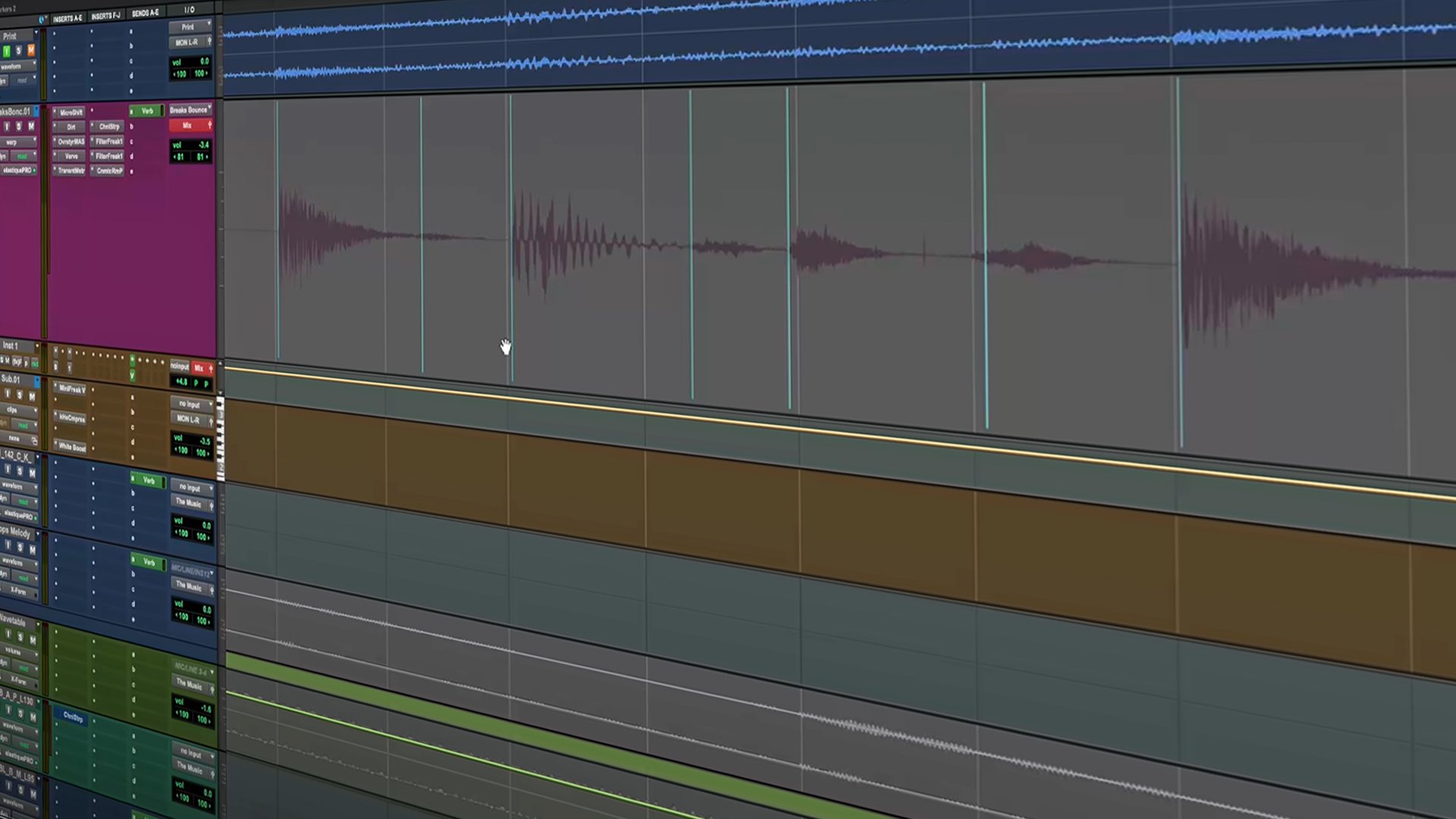
Audio stretching in Pro Tools® is built into your workflow, giving you accurate control over the timing and tempo of your audio. You can stretch clips, full tracks, or individual notes while preserving the natural quality of the performance. From tightening takes to creative time manipulation, Pro Tools makes audio stretching musical and flexible.
flexible tools for stretching audio
Stretch audio clips seamlessly
Adjust the length of entire clips to fit your session’s timing while keeping everything sounding smooth and natural.
Tighten timing with Quantization
Automatically sync performances to your session tempo so every take locks perfectly in time, every time.
Stretch performances one note at a time
Go beyond full clips with Melodyne Essential to stretch individual notes in your recordings and fine-tune pitch and timing.
Create tape-style effects
Slow down audio, speed it up, or create the classic tape-stop effect with Vari-Fi™ for bold, creative transitions.
resources
How to remove background noise from audio
Step-by-step tips for cleaning up your recordings in Pro Tools.
How to edit audio: Guide to a polished sound
Explore techniques for cleaning, aligning, and enhancing audio.
Audio effects: Guide to shaping your sound
Discover essential audio effects to refine tone, space, and dynamics.
Transform your timing in Pro Tools
Stretch audio to match tempo, fix timing, or experiment with new creative ideas.

*Melodyne Essential is a registered trademark of Celemony Software GmbH.